
Service mode
Use the power of IQRF IDE and its IQMESH Network Manager to control your network. To connect to gateway from IQRF IDE, use Daemon's UDP channel.
Mode change
IQRF Gateway Webapp (/gateway/change-mode/) can be used to switch the gateway into service mode. Mode switching can be also done via management API .
Using IQRF IDE
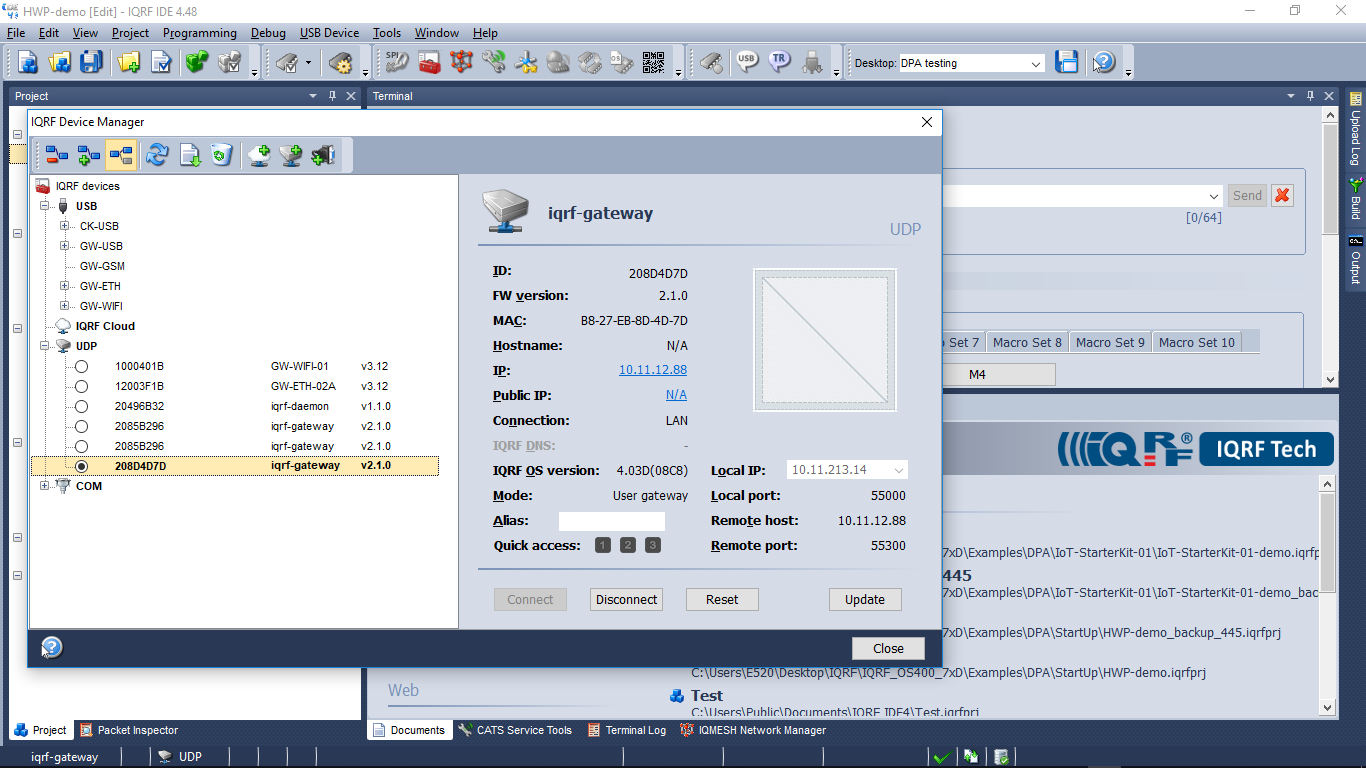
- Select Mode: User gateway.
Using JSON API
Once you have finished working with IQMESH Network Manager switch the gateway back to operational mode. Channels MQ/WS/MQTT are active in operational mode.